We move your company's email, contacts, calendars and documents from Google Workspace to Microsoft 365. We set up the accounts and the security, then check that everything arrived. We plan the migration with you, so your team can keep working while it runs.
Why companies move from Google Workspace to Microsoft 365, in four practical reasons.

Word, Excel and PowerPoint run as installed desktop apps on Business Standard and Business Premium. Quotes and contracts from clients no longer go through conversions.
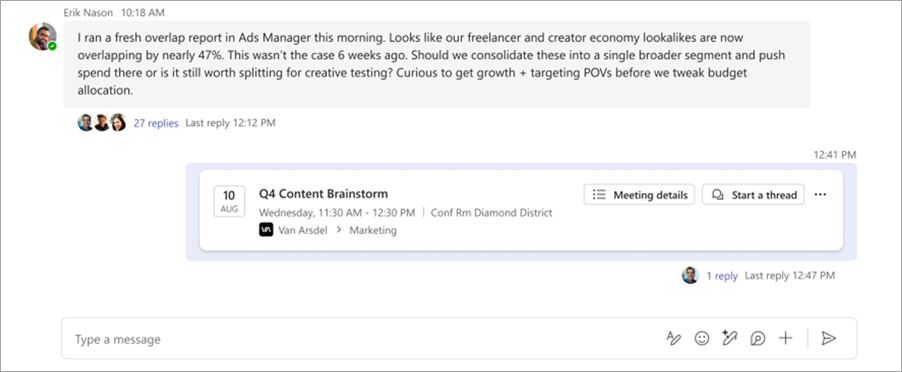
In Teams, your people have a project's chat, video calls and documents in the same space.
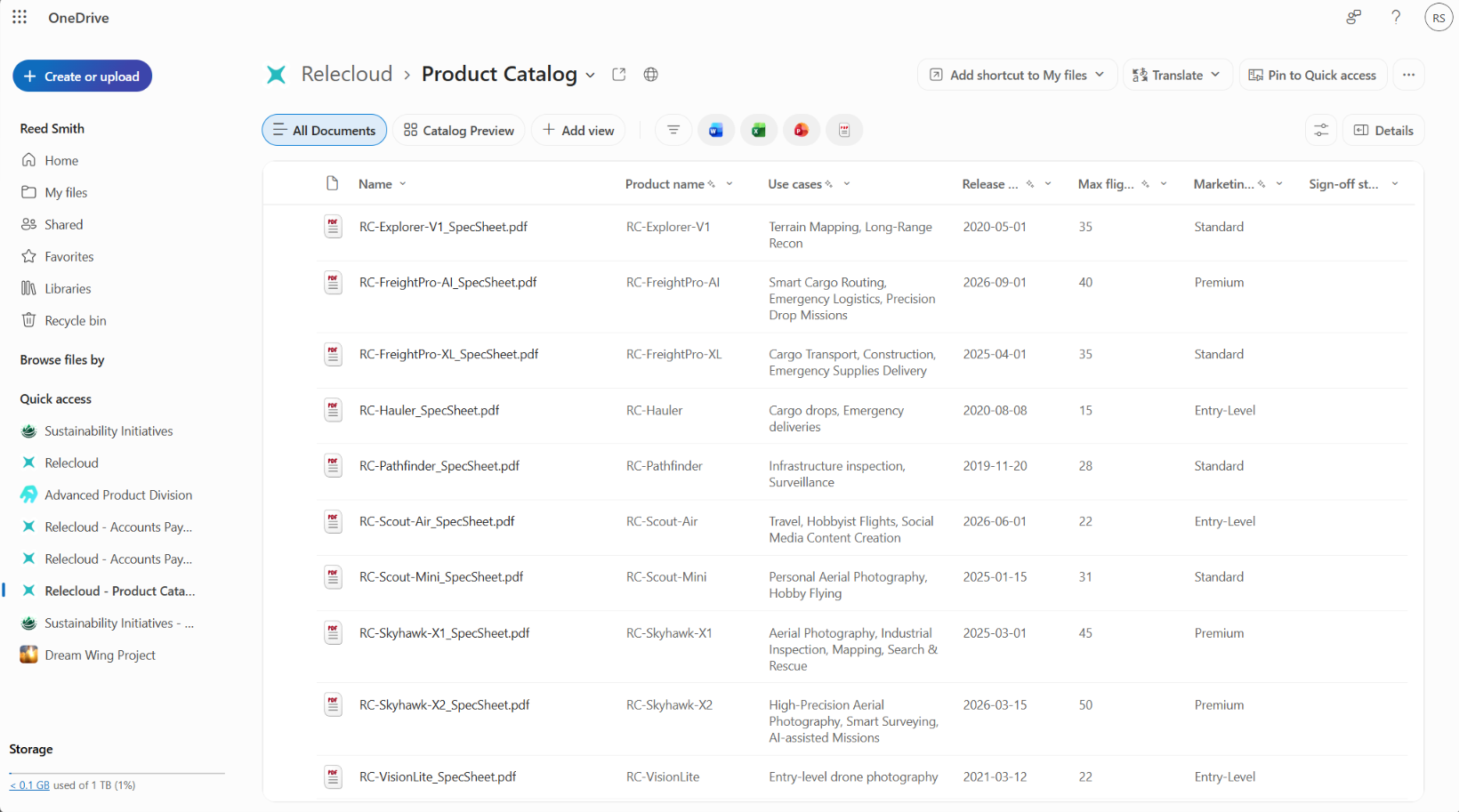
Everyone gets 1 TB in OneDrive. Shared documents live in SharePoint libraries, with clear access rights.
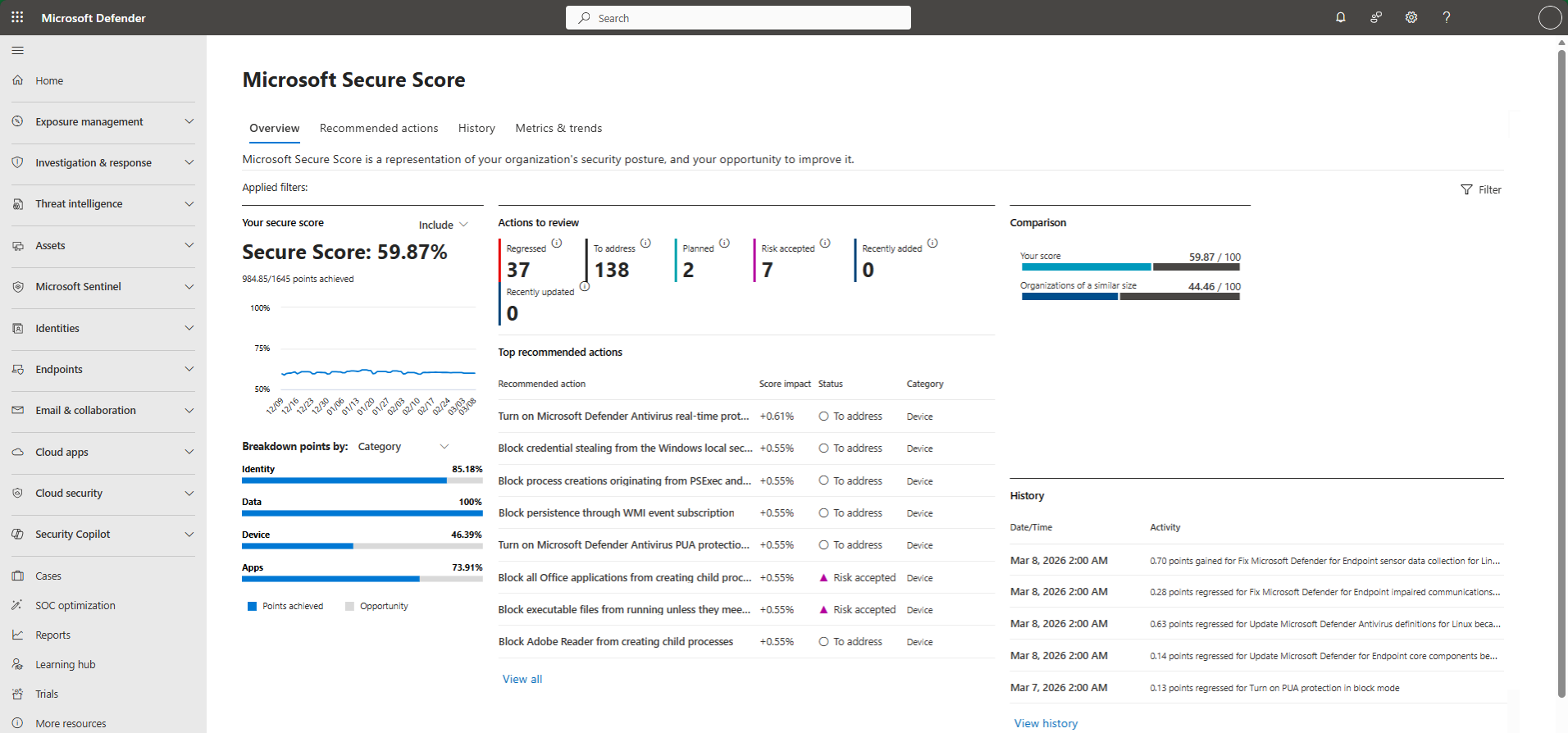
Security policies apply to every company computer from one place, and attack protection comes with the license. On top of that sit the five security layers of our IT support.
Everything we take care of, from setting up Microsoft 365 to the support after the move.
We set up your company's Microsoft 365, with security policies configured to best practice.
We create the accounts and email groups. Everyone gets a welcome email, and we help each person set up their account and their phone.
We move them from Google Workspace using Microsoft's own migration tools.
Google Drive goes to OneDrive, and Shared Drives go to SharePoint libraries. We also build one SharePoint site, a shared place to organize documents.
Your people learn the new Microsoft 365 tools on examples from their own work.
We stay with you to sort out whatever comes up and help you get the most out of Microsoft 365.
What's in Google Drive goes to OneDrive, and Shared Drives go to SharePoint libraries. Google Docs, Sheets and Slides become Word, Excel and PowerPoint files. Others, such as Google Forms and Google Sites, don't move: we tell you at the assessment which ones you have, and rebuilding them is up to your team.
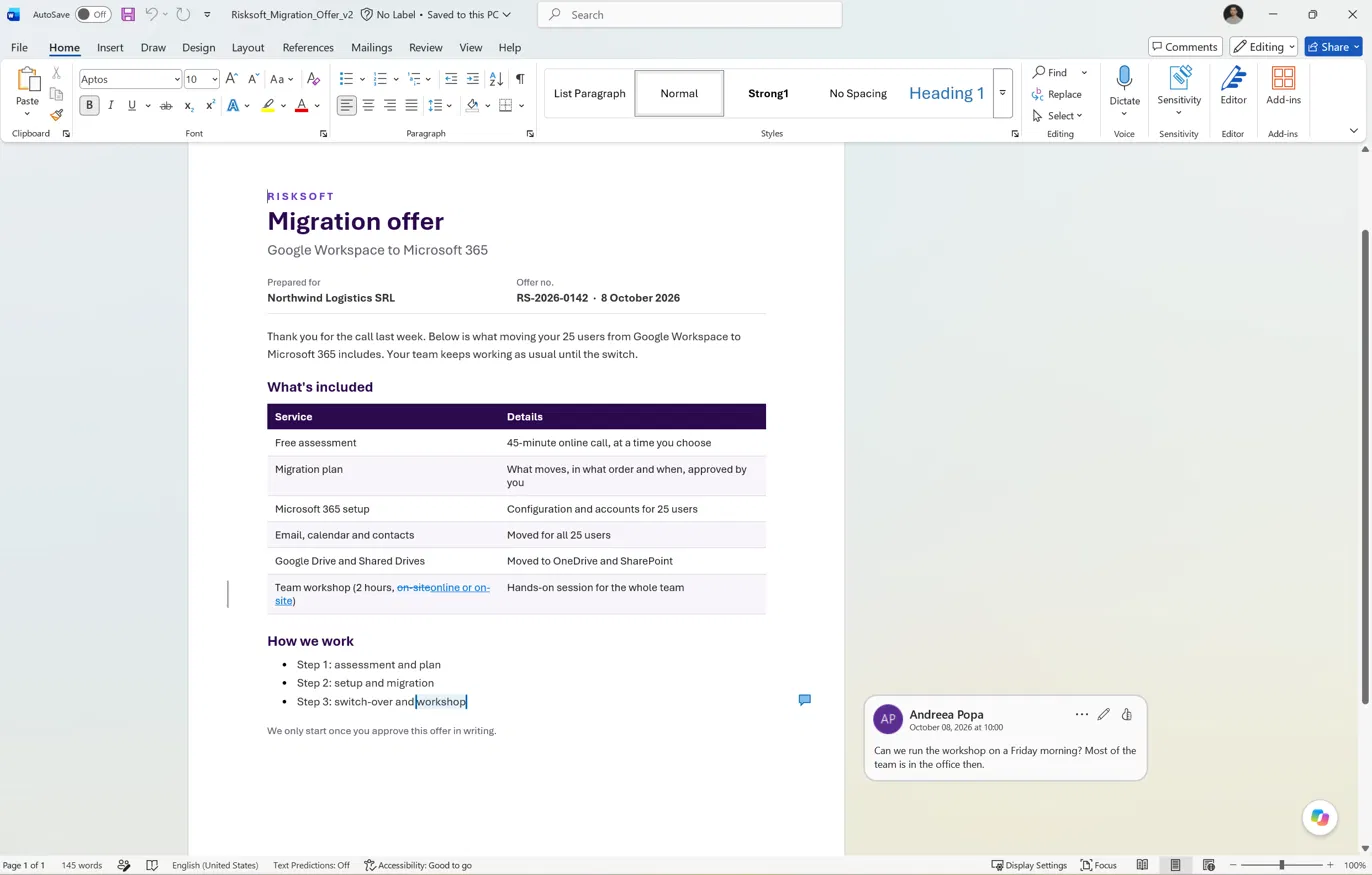
We plan it with you. Your team works in Google Workspace until the switch, then in Microsoft 365.
A 45-minute online call, at a time that suits you. We look at your Google Workspace setup: users, data and Shared Drives.
Together we decide what moves, in what order and when. You get the cost in writing upfront, and we only start once you approve it.
We configure Microsoft 365, create the accounts, then move email, contacts, calendars and documents.
We check that everything arrived and run a 2-hour workshop for your team. After that, we stay with you for whatever comes up.

Microsoft's migration tools don't carry over a few settings:
Automatic replies, such as out-of-office messages
Shared calendars
Meeting room bookings and calendar event colors
After the move, Microsoft 365 needs looking after. That's why, for most clients, the migration is where working together begins: we continue with managed IT, on a monthly subscription with the cost fixed in the contract.
New accounts when someone joins
Access closed when someone leaves
Updates and backups


It depends on the number of people and the volume of data, especially in Google Drive. We set the exact timeline together in the plan, after the assessment, so your team can keep working during the migration.
We plan the migration with you, so your team can keep working while it runs. At the end we check that email, contacts, calendars and documents have all arrived in Microsoft 365.
Documents in Google Drive go to OneDrive, and those in Shared Drives go to SharePoint libraries. Google Docs, Sheets and Slides become Word, Excel and PowerPoint files. Others, such as Google Forms and Google Sites, don't move: we tell you at the assessment which ones you have, and rebuilding them is up to your team.
It depends on what each person does. Business Basic has the apps in the browser and on phones. Business Standard adds Word, Excel and PowerPoint installed on the computer. Business Premium adds attack protection and management of computers and phones. You can mix plans within the same company. Prices are €6.37, €12.74 and €20.01 per user per month, excluding VAT, with a one-year commitment.
For most clients, the migration is where working together begins. We continue with managed IT: we look after Microsoft 365 and the rest of your company's IT, on a monthly subscription with the cost fixed in the contract. We agree the right setup together at the assessment.
No. Most people have already worked with Word and Excel. The 2-hour workshop shows what's new, Outlook, Teams, OneDrive and SharePoint, using examples from their own work. After the migration we're still there for questions.




.svg)